
Introduction
Businesses are increasingly looking for messaging solutions that can do more than deliver plain text. RCS, or Rich Communication Services, allows businesses to create mobile conversations using richer content and interactive elements.
An RCS Portal provides the interface businesses can use to manage these messaging activities. Instead of handling individual messaging components separately, a well-designed portal can bring campaign creation, customer communication, reporting, and message management into one place.
But what should businesses look for when choosing an RCS portal?
What Is an RCS Portal?
An RCS Portal is a web-based platform that helps businesses create, manage, and monitor RCS messaging campaigns.
Depending on the platform, users may be able to create rich messages, upload media, configure interactive elements, manage recipients, monitor campaign activity, and review performance reports.
The purpose is to make RCS messaging manageable for both technical and non-technical users.
1. Easy Campaign Creation
A good portal should make creating an RCS campaign straightforward.
Users should be able to select a campaign type, enter message content, add media, and configure the required actions without needing extensive technical knowledge.
A simple campaign builder can reduce the time required to prepare and launch messages.
2. Rich Media Support
One of the major advantages of RCS is its ability to go beyond plain text.
An effective RCS Portal should support rich content such as:
- Images
- Videos
- Product visuals
- Brand elements
- Interactive cards
- Carousels
This allows businesses to create messages that provide more information within the messaging experience.
3. Interactive Buttons
Interactive buttons can make RCS messages more useful.
Depending on the supported features, businesses may use buttons for actions such as visiting a website, calling a business, opening a location, or moving to another step in a customer journey.
The portal should make these actions easy to configure and test.
4. Contact and Audience Management
Managing recipients is another important capability.
An RCS Portal should ideally allow businesses to organize contact data and create suitable audience groups. This can help businesses send relevant messages to different customer segments rather than delivering identical content to everyone.
Audience management becomes especially useful for marketing campaigns and customer lifecycle communication.
5. Message Scheduling
Businesses may not always want campaigns to be sent immediately.
Scheduling allows users to prepare campaigns in advance and select when messages should be delivered. This can be useful for product launches, reminders, announcements, seasonal campaigns, and planned promotions.
6. Delivery and Campaign Reports
Sending a campaign is only one part of messaging.
Businesses also need to understand how their campaigns performed. A useful portal should provide reporting information that helps users evaluate message delivery and customer interactions.
Depending on the platform, reports may include information related to delivery, engagement, clicks, responses, and other campaign activity.
7. Template Management
Businesses frequently reuse communication formats for different campaigns.
A centralized template section can help users create, save, organize, and reuse approved message structures. This can reduce repetitive work and make communication more consistent.
Templates can be particularly useful for notifications, promotions, customer updates, and recurring campaigns.
8. Integration Capabilities
Businesses may already use CRM platforms, websites, e-commerce systems, or other software.
An RCS Portal with integration or API capabilities can allow businesses to connect messaging with these systems. For example, an order-management system could trigger an RCS notification when an order status changes.
This can turn RCS from a standalone messaging tool into part of a larger communication workflow.
9. User Access and Security
Businesses often have multiple employees managing communication.
The portal should therefore provide appropriate account controls, authentication, and user permissions. Different employees may need different levels of access depending on their responsibilities.
Security is particularly important when the platform handles customer information and business communication data.
10. Multi-Channel Compatibility
RCS may be one part of a company's overall communication strategy.
For businesses using several channels, having messaging solutions that work alongside SMS, WhatsApp, email, or voice communication can make customer engagement easier to manage.
How Textspeed Approaches RCS Communication
Textspeed provides business communication solutions across RCS, WhatsApp, SMS, email, and voice.
Businesses exploring an RCS Portal can consider features such as campaign management, rich messaging, interactive communication, reporting, and integration when evaluating their requirements.
The most suitable platform depends on the business's audience, messaging volume, technical environment, and communication goals.
Final Thoughts
An RCS portal should do more than provide a place to send messages. It should make rich messaging easier to create, manage, monitor, and connect with existing business processes.
Features such as rich media, interactive buttons, audience management, scheduling, reporting, templates, integrations, and security can make an RCS Portal more useful for everyday business communication.
Before selecting a platform, businesses should identify their messaging requirements and then compare available features against those needs.
FAQs
1. What is an RCS Portal?
An RCS Portal is a platform used to create, manage, send, and monitor RCS business messages.
2. What is the most important RCS portal feature?
There isn't one universal feature. Campaign creation, rich media, analytics, integrations, and audience management can all be important depending on the use case.
3. Can an RCS Portal support images?
Yes. RCS supports rich messaging capabilities, including visual content, depending on the platform and supported implementation.
4. Can an RCS Portal connect with a CRM?
Many platforms provide APIs or integration capabilities that can connect RCS messaging with CRM and other business systems.
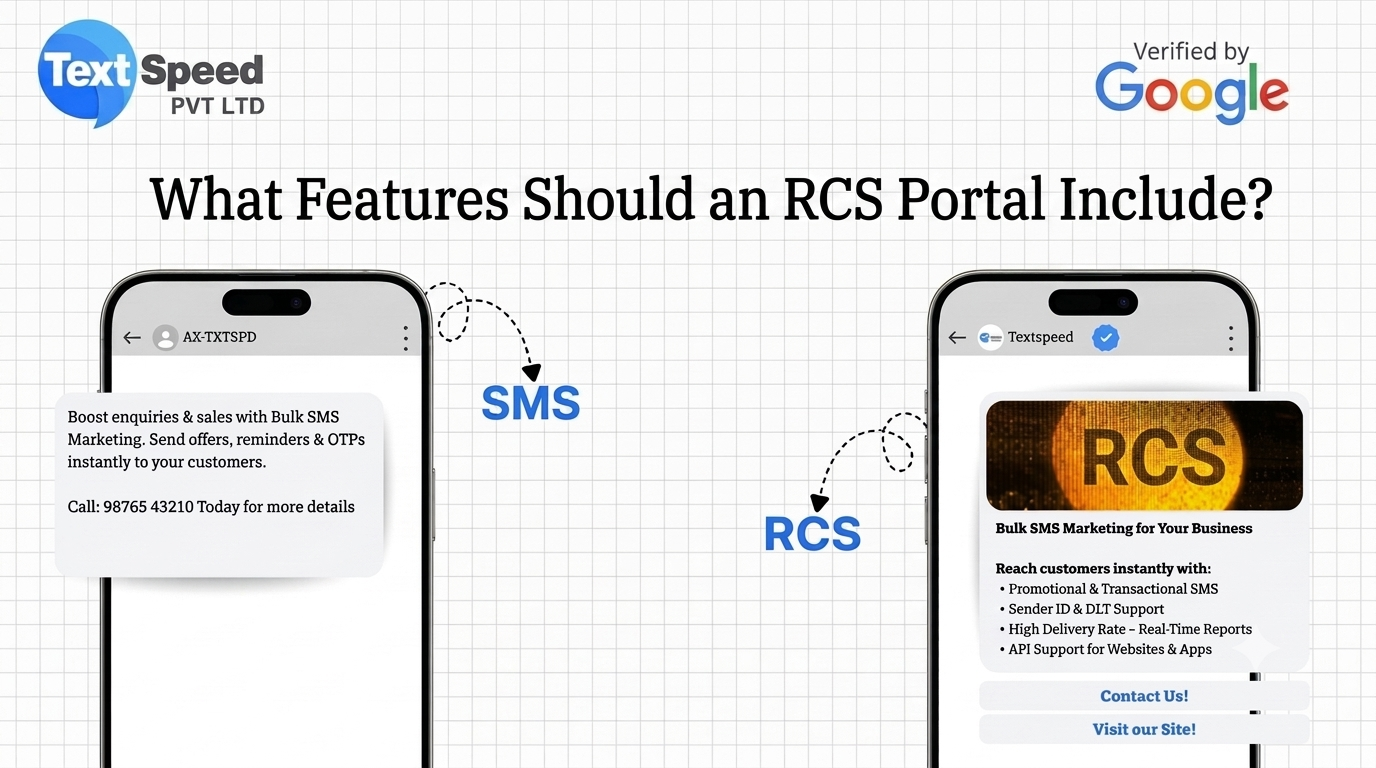
5. Is RCS different from SMS?
Yes. RCS can provide richer content and interactive features, while traditional SMS is primarily text-based.
Written by SEO Specialist
Telecom & CPaaS Technical Specialists · Reviewed for AccuracyOur content is authored by enterprise communications specialists and strictly reviewed for technical accuracy, regulatory compliance (TRAI/DLT), and industry best practices. Read our Editorial Policy to learn how we maintain trust.