
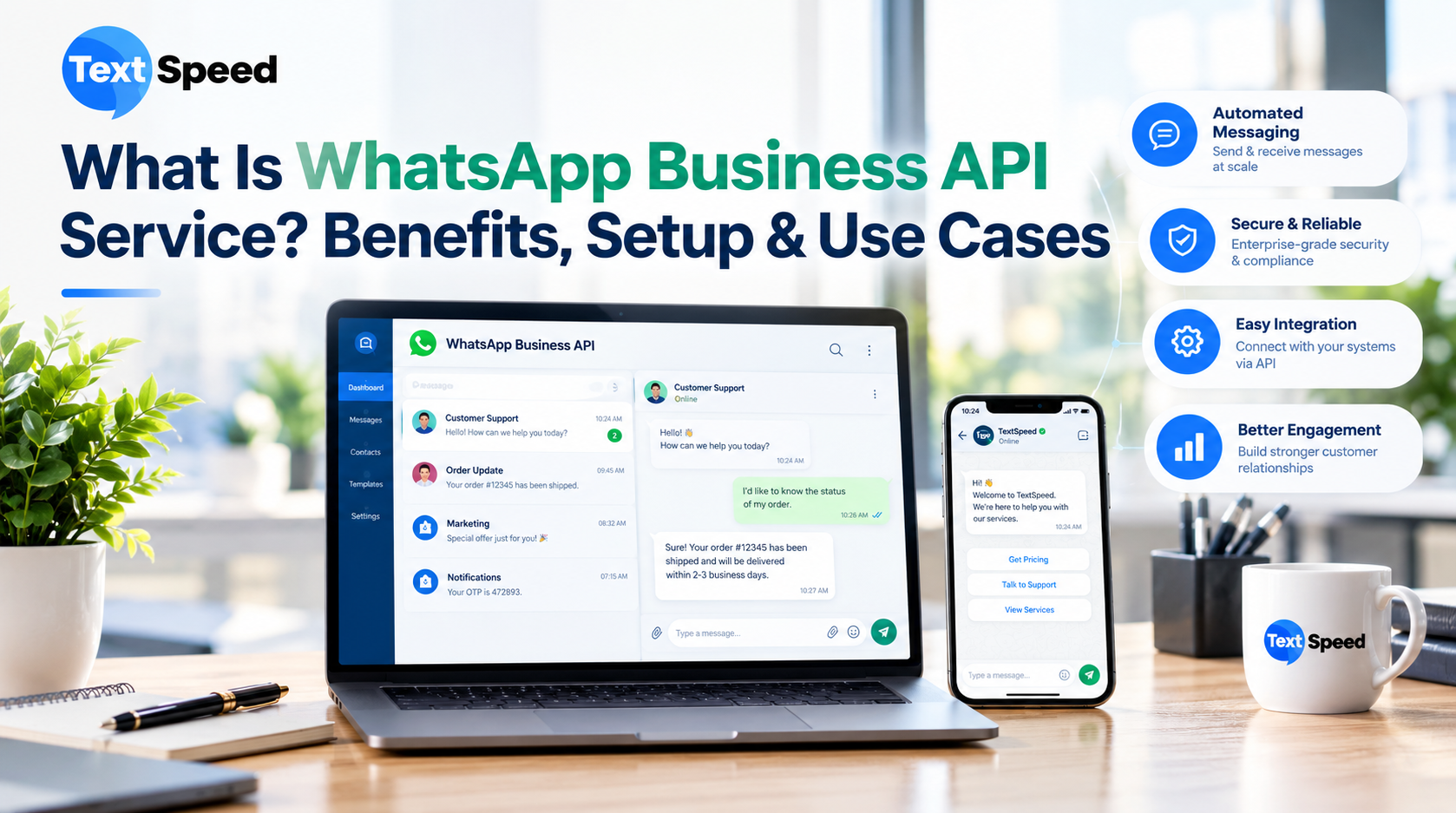
Introduction
The WhatsApp Business API Service is a business communication solution that allows companies to connect WhatsApp with their applications, customer-support systems, CRM platforms, and other business tools.
Unlike the regular WhatsApp application, an API-based setup is designed for businesses that need structured communication at a larger scale. It can support automated notifications, customer conversations, templates, chatbots, and integrations.
Meta's WhatsApp Business Platform includes WhatsApp Business APIs, including the Cloud API hosted by Meta. Businesses using the platform must follow WhatsApp's applicable messaging and business policies.
For a growing company, this means WhatsApp can become part of the existing business workflow rather than remaining a standalone messaging application.
How Does WhatsApp Business API Service Work?
The basic process connects a business application with WhatsApp.
For example:
Customer places an order → Business system records the order → API triggers a message → Customer receives the update on WhatsApp
The same principle can be applied to registrations, appointments, enquiries, payments, support requests, and other business events.
A business can also connect automated conversation flows so that customers receive predefined information before being transferred to a human support representative when necessary.
Key Benefits of WhatsApp Business API Service
1. Automated Customer Communication
Businesses can automate repetitive messages instead of asking employees to send every notification manually.
Common examples include:
- Order confirmations
- Appointment reminders
- Account notifications
- Booking updates
- Payment-related messages
- Customer support responses
- Delivery notifications
Automation can save operational time while keeping communication consistent.
2. Better Customer Support
Customers often want quick answers rather than waiting for an email response.
A WhatsApp Business API Service can support automated FAQs, menu-based interactions, chatbot workflows, and human-agent escalation.
For example, a customer might select:
1 — Order Status
2 — Product Support
3 — Payment Help
4 — Talk to an Agent
This creates a clear route to the information the customer needs.
3. Easier Lead Management
Sales teams can use WhatsApp conversations to collect information from potential customers.
A chatbot or automated flow can ask for details such as:
- Name
- Contact information
- Product or service requirement
- Location
- Preferred appointment time
The information can then be connected with suitable CRM or sales workflows.
4. Multiple Business Use Cases
WhatsApp can support communication throughout different stages of the customer journey.
A customer may first receive a welcome message, later receive product information, complete a purchase, and then receive order updates through the same communication channel.
This gives businesses an opportunity to create a connected customer experience.
5. Integration With Business Systems
API connectivity is one of the most useful aspects of the platform.
Businesses can potentially connect WhatsApp communication with:
- CRM software
- E-commerce platforms
- Websites
- Mobile applications
- ERP systems
- Helpdesk platforms
- Customer databases
- Internal applications
This allows WhatsApp interactions to become part of an existing business process.
WhatsApp Business API Service Use Cases
E-Commerce
Online stores can send order confirmations, shipping updates, delivery notifications, and customer-support messages.
Real Estate
Property companies can use WhatsApp to respond to enquiries, share suitable property information, qualify leads, and coordinate site visits.
Healthcare
Healthcare organizations can use appropriate WhatsApp workflows for appointment communication and reminders while following applicable privacy and regulatory requirements.
Education
Educational institutions can communicate course information, registration updates, enquiry responses, and important reminders.
Travel and Hospitality
Hotels and travel businesses can use WhatsApp for booking information, customer enquiries, reminders, and service communication.
Financial Services
Financial businesses can use suitable WhatsApp workflows for customer notifications and service interactions while complying with applicable financial, privacy, and platform requirements.
How to Set Up WhatsApp Business API Service
Setting up the service requires more than simply installing the WhatsApp application.
Step 1: Define the Business Requirement
First, decide whether the primary requirement is customer support, notifications, sales, lead generation, automation, or a combination.
Step 2: Prepare the Business Setup
The business needs an appropriate WhatsApp Business Platform setup and a business phone number that meets the applicable requirements.
Step 3: Connect the API
The API can then be connected to the company's application, CRM, chatbot, or other business system.
Step 4: Create Communication Workflows
Define how the system should respond to different customer actions.
For example:
New enquiry → Welcome response → Product options → Lead details → Sales follow-up
Step 5: Test Before Launch
Test messages, automation, integrations, customer journeys, and escalation processes before making the workflow available to customers.
WhatsApp Messaging Policies Matter
Businesses should not treat WhatsApp as an unrestricted bulk messaging channel.
WhatsApp requires businesses to obtain appropriate user consent and respect requests to stop receiving communications. Business-initiated conversations on the WhatsApp Business Platform generally require approved message templates, while businesses can respond without a template within the applicable 24-hour customer service window after a user's message.
Businesses should also maintain accurate business information and follow applicable privacy, data-protection, and WhatsApp policies.
How Textspeed Technology Can Help
Textspeed Technology provides business communication solutions designed to help companies connect with customers through multiple channels.
Its communication ecosystem includes WhatsApp Business API, Bulk SMS, Transactional SMS, RCS, Voice, IVR, Email, OTP, chatbots, and API-based solutions.
For businesses planning WhatsApp automation, the focus should be on building useful workflows around genuine customer requirements rather than sending unnecessary messages.
Conclusion
A WhatsApp Business API Service can turn WhatsApp into a connected business communication channel for customer support, notifications, lead management, sales, and automation.
Its real value comes from integration. When WhatsApp is connected with a CRM, e-commerce platform, chatbot, website, or internal application, customer communication can become part of the wider business workflow.
Businesses should therefore consider their use cases, integration requirements, customer consent, messaging policies, automation needs, and support process before implementation. With a well-planned setup, WhatsApp can become a practical communication layer across multiple stages of the customer journey.
FAQs
1. What is WhatsApp Business API Service?
It allows businesses to connect WhatsApp with applications and business systems for structured, automated customer communication.
2. Can WhatsApp Business API send automated messages?
Yes. Businesses can create suitable automated messaging workflows while following applicable WhatsApp policies.
3. Can it integrate with a CRM?
Yes. API-based integrations can connect WhatsApp communication with compatible CRM and business applications.
4. Can businesses use chatbots with WhatsApp API?
Yes. Businesses can create automated conversation flows and connect suitable chatbot solutions.
5. Is customer consent required?
Yes. Businesses must follow WhatsApp's applicable consent and messaging requirements before contacting customers.
Written by SEO Specialist
Telecom & CPaaS Technical Specialists · Reviewed for AccuracyOur content is authored by enterprise communications specialists and strictly reviewed for technical accuracy, regulatory compliance (TRAI/DLT), and industry best practices. Read our Editorial Policy to learn how we maintain trust.