
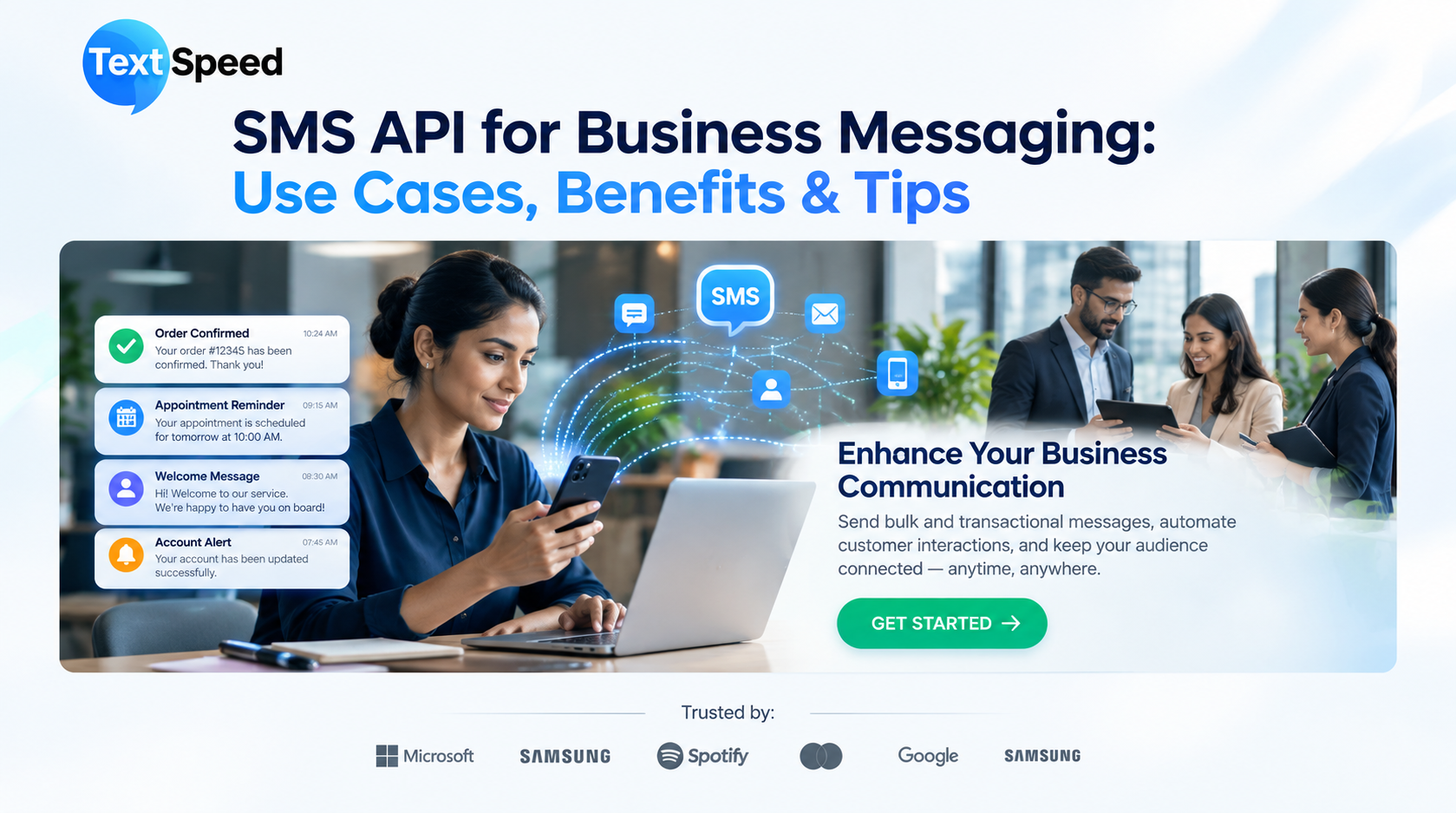
Introduction
Businesses today send thousands of customer messages every day—from login OTPs and order updates to payment reminders and appointment alerts. Sending these messages manually is not practical. This is where an SMS API becomes useful.
An SMS API connects a business application directly with an SMS gateway, allowing messages to be triggered automatically whenever a specific event occurs. It helps businesses communicate with customers quickly while reducing manual work and improving operational efficiency.
What Is an SMS API?
An SMS API is a software interface that allows websites, mobile applications, CRM systems, and business software to send SMS messages programmatically.
For example, when a customer places an online order, the business system can automatically send an order confirmation SMS. The customer does not need to wait for an employee to send the message manually.
The API acts as a connection between the business application and the messaging platform. Businesses can use it for transactional communication, authentication, alerts, reminders, and other customer notifications.
How Does an SMS API Work?
The process is straightforward:
- A customer performs an action, such as placing an order.
- The business application detects the event.
- The application sends the required information through the SMS API.
- The SMS gateway processes the request.
- The message is delivered to the customer's mobile number.
- Delivery information can be returned to the business system.
This automation allows businesses to send messages at the right moment without requiring manual intervention.
Common Use Cases of SMS API
1. OTP and User Authentication
Businesses can send one-time passwords for login verification, account registration, password resets, and other authentication processes.
2. Order and Delivery Updates
E-commerce companies can notify customers about order confirmation, dispatch, delivery status, cancellations, and returns.
3. Appointment Reminders
Healthcare providers, salons, educational institutions, and service businesses can send appointment confirmations and reminders automatically.
4. Payment Notifications
Banks, fintech companies, and other businesses can use SMS notifications for payment confirmations, due-date reminders, transaction alerts, and account updates.
5. Promotional Communication
Businesses can use SMS campaigns to announce offers, seasonal sales, new products, events, and special promotions, subject to applicable messaging regulations.
6. Internal Business Alerts
An SMS API can also support internal communication by sending alerts about system events, service interruptions, security notifications, or operational updates.
Benefits of Using an SMS API
Automated Communication
Once integrated, messages can be triggered automatically based on customer actions or predefined business rules.
Faster Customer Updates
SMS reaches customers directly on their mobile devices, making it useful for time-sensitive notifications.
Easy Integration
Businesses can connect messaging capabilities with websites, mobile apps, CRM platforms, ERP systems, and other software through APIs.
Scalable Messaging
Whether a business sends hundreds or millions of messages, an API-based system can support automated communication at scale, depending on the provider's infrastructure and plan.
Better Tracking
Many SMS platforms provide delivery reports, message status, logs, and other analytics that help businesses monitor communication performance.
Reduced Manual Work
Automated messaging reduces repetitive tasks for customer support and operations teams, allowing employees to focus on more complex activities.
Tips for Choosing an SMS API
Before selecting a provider, businesses should look beyond the price per message. Consider the following factors:
- Delivery Reliability:
Check the provider's delivery infrastructure and reporting capabilities. - API Documentation:
Clear documentation makes integration easier for developers. - Delivery Reports:
Look for real-time or detailed delivery status information. - Security:
For OTPs and sensitive notifications, review available security measures and data-handling practices. - Scalability:
Choose a platform that can support your expected message volume as your business grows. - Regulatory Support:
For businesses operating in India, check whether the provider supports applicable DLT and sender/template requirements. - Technical Support:
Responsive support can be important when API or delivery issues affect customer communication.
SMS API for Growing Businesses
An SMS API is more than a messaging connection. It becomes part of a business's communication infrastructure, linking customer actions with timely notifications.
For example, an online store can connect its order management system to an API and automatically send confirmation, shipping, delivery, and payment messages. Similarly, a financial platform can use automated SMS for authentication and transaction alerts.
The key is to match the messaging workflow with actual customer needs rather than sending unnecessary messages.
Final Thoughts
Businesses need communication systems that can respond quickly when customers take action. An SMS API provides the technical foundation for automating these conversations across websites, applications, CRM systems, and other platforms.
From OTP authentication and transaction alerts to order updates and promotional campaigns, the right API can help businesses build a more organized and responsive messaging workflow. When choosing a provider, focus on integration, delivery reliability, scalability, reporting, security, compliance, and support rather than price alone.
FAQs
- What is an SMS API?
It is an interface that allows applications and business systems to send SMS automatically. - Where is SMS API commonly used?
It is commonly used for OTPs, alerts, order updates, reminders, payment notifications, and marketing messages. - Can SMS API integrate with a CRM?
Yes. An API can connect SMS functionality with CRM, ERP, websites, mobile apps, and other business systems. - Is SMS API suitable for OTP authentication?
Yes. It is widely used to automate OTP generation and delivery for user verification. - What should businesses check before choosing an SMS API provider?
Consider delivery reliability, API documentation, scalability, reporting, security, compliance support, and technical assistance.
Written by SEO Specialist
Telecom & CPaaS Technical Specialists · Reviewed for AccuracyOur content is authored by enterprise communications specialists and strictly reviewed for technical accuracy, regulatory compliance (TRAI/DLT), and industry best practices. Read our Editorial Policy to learn how we maintain trust.