
Introduction
Sending individual messages to hundreds of customers can consume valuable time and make campaign management difficult. Businesses often need a more organised way to distribute announcements, product updates, event invitations, and customer notifications.
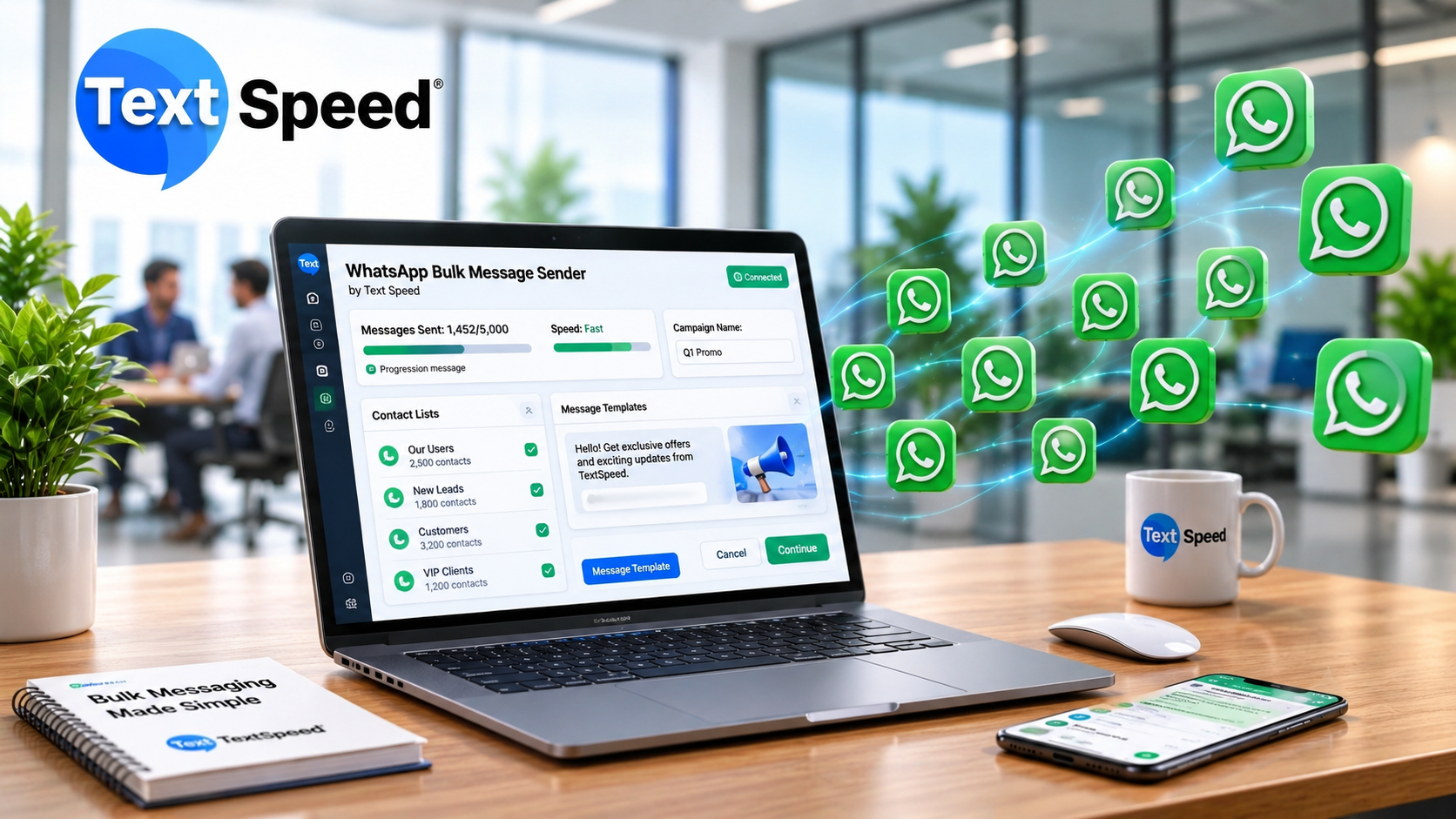
A WhatsApp bulk message sender is a tool or platform that helps businesses send messages to multiple recipients through a managed campaign. Depending on the solution, it may support contact segmentation, message personalisation, approved templates, scheduling, and campaign reporting.
Businesses should distinguish official WhatsApp Business Platform solutions from unauthorised bulk-sending tools. The official Platform provides a structured way to communicate at scale while following Meta's messaging policies.
How Does Bulk WhatsApp Messaging Work?
A typical campaign follows several steps.
1. Prepare Your Contact List
Start with customers who have agreed to receive the type of communication you intend to send. Organise contacts according to relevant interests, previous enquiries, purchases, or service requirements.
A well-maintained list helps prevent irrelevant messages and reduces the risk of customer complaints.
2. Create the Message
Write a clear message with one main purpose. For example, a clothing retailer could announce a seasonal collection to customers who have opted in to receive promotional updates.
Personalisation, such as a customer's name or relevant product information, can make the message more useful. Keep the content concise and include a clear next step when appropriate.
3. Set Up the Campaign
Using an eligible WhatsApp Business Platform solution, configure the recipient list, message content, and campaign settings. Business-initiated messages generally require approved templates where applicable under Meta's rules.
Before sending, review the recipient group and confirm that the message matches the purpose for which customers gave consent.
4. Send and Monitor Messages
Once the campaign is configured, the platform processes messages according to its capabilities, account limits, and applicable messaging rules.
Depending on the provider, reporting may include delivery status, responses, and other campaign metrics. These results help businesses identify what is working and where improvements are needed.
Key Features to Look For
When comparing a WhatsApp bulk message sender, consider the features that support your actual business requirements.
- Contact segmentation: Organise audiences by interest, location, or customer activity.
- Message personalisation: Add relevant customer details where supported.
- Template management: Create and manage approved message templates.
- Campaign scheduling: Plan communication around suitable dates and times.
- Automation: Trigger eligible messages through connected business workflows.
- Reporting tools: Review available delivery and engagement metrics.
- Integration support: Connect messaging with compatible CRM systems or business applications.
Feature availability varies between providers, so confirm what each package includes before choosing a service.
Benefits for Businesses
Bulk WhatsApp messaging can support several communication goals when campaigns are relevant and well planned.
Retail and e-commerce: Share product announcements, sale information, and order updates.
Education: Send admission announcements, course information, and event reminders to appropriate audiences.
Healthcare: Provide appointment reminders and service updates, subject to applicable privacy and messaging requirements.
Customer support: Use automated workflows to acknowledge enquiries and direct customers towards the right support channel.
The value comes from reaching the right audience with useful information, rather than simply increasing the number of messages sent.
How to Run a Better WhatsApp Campaign
Before launching a campaign, check that your contact list is current and that recipients have provided the required consent. Follow Meta's policies for templates, messaging categories, and sending limits.
Test your message, verify links, and make the call to action easy to understand. Avoid sending repetitive promotions, and provide a clear way for recipients to stop receiving marketing messages.
After the campaign, review the results against your objective. For a sales campaign, qualified enquiries and purchases may matter more than message volume alone.
WhatsApp Bulk Messaging with Textspeed Technology
Textspeed Technology offers business communication solutions, including WhatsApp Business API services. Businesses exploring a WhatsApp bulk message sender can visit the Textspeed WhatsApp Business API page to review the service and discuss their messaging requirements.
Before starting, confirm the available campaign features, onboarding process, applicable charges, and support options.
Conclusion
A WhatsApp bulk message sender helps businesses organise communication with multiple customers through a managed messaging workflow. With suitable contact lists, relevant content, and careful campaign monitoring, businesses can make their updates more useful and their communication more efficient.
Choose a solution that supports your business goals and follows WhatsApp's current policies. Responsible messaging helps protect customer trust while creating better opportunities for engagement.
Frequently Asked Questions
- What is a WhatsApp bulk message sender?
It is a tool for managing messages sent to multiple WhatsApp recipients through a campaign. - Is bulk WhatsApp messaging allowed?
Businesses must follow Meta's policies, including applicable consent, template, and messaging requirements. - Can I personalise bulk WhatsApp messages?
Some platforms support personalisation using approved message templates and customer data. - Can bulk messages be scheduled?
Some providers offer scheduling, depending on their features and platform capabilities. - How do I choose a bulk messaging platform?
Compare compliance support, features, integrations, reporting, customer support, and total costs.
Written by SEO Specialist
Telecom & CPaaS Technical Specialists · Reviewed for AccuracyOur content is authored by enterprise communications specialists and strictly reviewed for technical accuracy, regulatory compliance (TRAI/DLT), and industry best practices. Read our Editorial Policy to learn how we maintain trust.