
Introduction
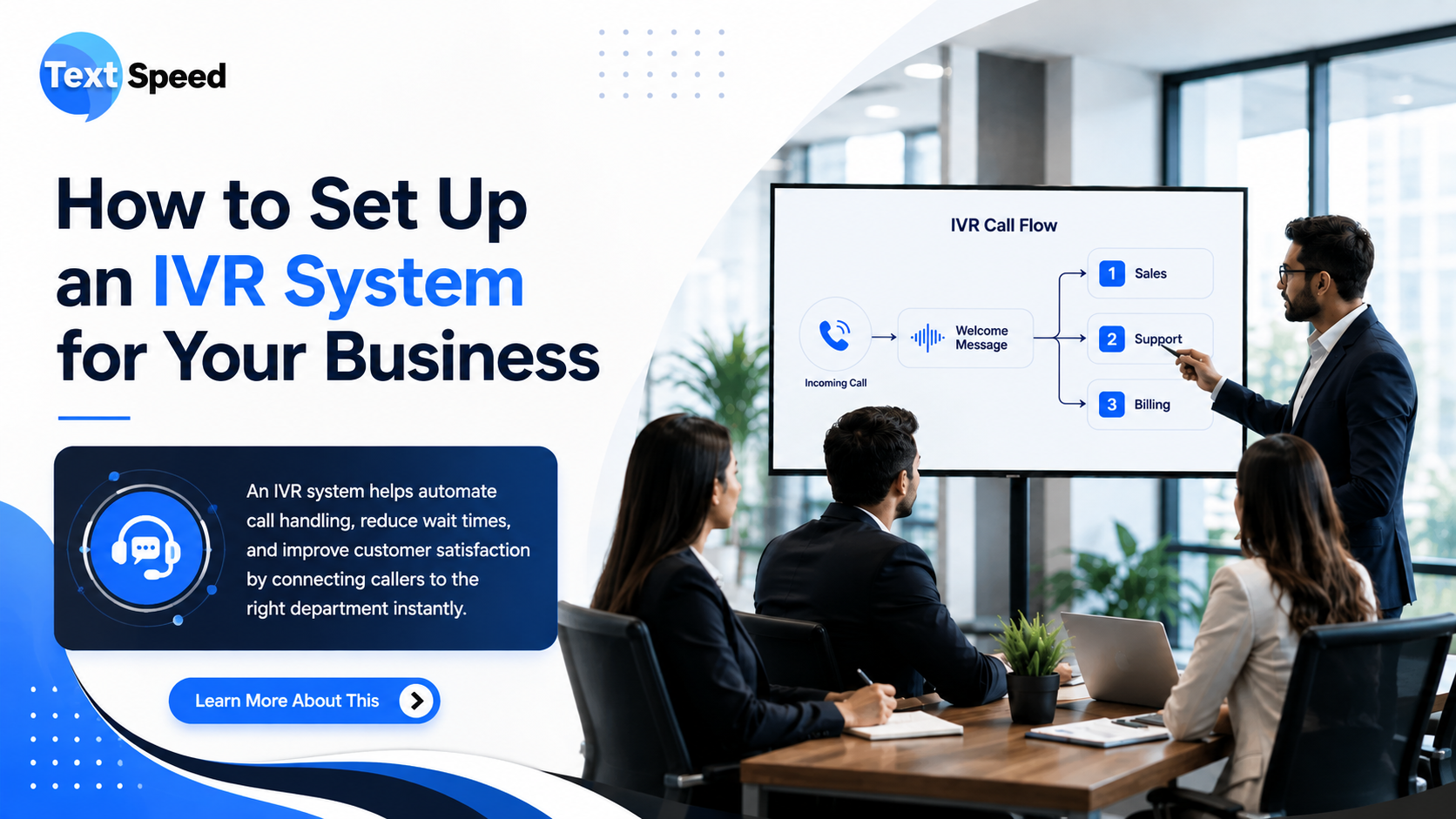
Imagine a customer calling your business and immediately hearing: “Press 1 for Sales, Press 2 for Support, Press 3 for Accounts.” Instead of waiting for an employee to answer every call, the customer can choose what they need and reach the appropriate team.
That is the basic idea behind an IVR system. Interactive Voice Response allows businesses to automate the first stage of a phone conversation using voice prompts, keypad inputs, and call-routing rules.
Whether you run a growing company, customer support center, clinic, financial service, or e-commerce business, setting up an IVR system can make incoming calls easier to manage.
1. Define Your Business Call Requirements
Before selecting technology, decide what you want your IVR system to accomplish.
Start by identifying:
- Departments that receive customer calls
- Common customer questions
- Business hours
- Support requirements
- Call volumes
- Languages required
- Teams responsible for handling different requests
For example, an online store may need options for order status, returns, payments, and customer support. A real estate company may separate sales enquiries, property visits, and existing-customer support.
A clear requirement makes the rest of the setup much easier.
2. Create a Simple Call Flow
The call flow is the backbone of your IVR system. It determines what customers hear and what happens after they select an option.
A basic structure could be:
Welcome message → Language selection → Main menu → Department selection → Agent/automation → Call completion
Avoid creating too many menu options. If customers have to listen to a long list before reaching the right department, the experience can become frustrating.
Keep the primary menu short and move less-common options into secondary menus.
3. Record Professional Voice Prompts
Your voice prompts represent your business, so they should be clear, brief, and easy to understand.
For example:
“Welcome to Textspeed Technology. For Sales, press 1. For Support, press 2. For Accounts, press 3.”
Use a consistent tone and avoid complicated sentences. If your customers speak multiple languages, consider offering language selection at the beginning of the call.
4. Configure Call Routing
Once the menu is ready, decide where each call should go.
An IVR system can route calls based on:
- Keypad selection
- Department
- Business hours
- Agent availability
- Customer requirements
- Geographic location
- Call priority
You can also configure different actions for working and non-working hours. For example, calls outside business hours can be directed to voicemail or a callback request.
5. Add Automation Where Useful
IVR doesn't always need to transfer every customer to an employee.
You can automate simple interactions such as:
- Checking order status
- Confirming appointments
- Providing business hours
- Sharing basic information
- Collecting customer inputs
- Creating callback requests
This reduces repetitive work for support teams while allowing employees to focus on conversations that actually require human assistance.
6. Connect Your IVR With Business Systems
For larger operations, connecting the IVR with existing business software can make calls more useful.
Depending on your requirements, integrations may include:
- CRM platforms
- Customer databases
- Helpdesk systems
- Call-center software
- APIs
- Ticketing platforms
- Customer verification systems
For instance, when a customer calls, the system can retrieve available customer information and help the agent understand the reason for the call faster.
7. Configure Call Recording and Reports
If your business requires quality monitoring or employee training, call recording can be useful when implemented according to applicable privacy and consent requirements.
Reporting can also help you understand:
- Total incoming calls
- Missed calls
- Average call duration
- Call abandonment
- Peak calling hours
- Frequently selected IVR options
- Agent performance
These insights can help you identify where customers are facing difficulties.
8. Test the Entire Call Journey
Before launching your IVR system, test every possible route.
Check whether:
- All menu options work correctly
- Calls reach the right department
- Voice prompts are understandable
- Transfers work properly
- After-hours routing works
- Failed transfers have backup options
- Customers can return to the main menu
- Calls are recorded correctly, where enabled
Testing with real users can reveal problems that may not be obvious during technical testing.
9. Monitor and Improve the IVR
An IVR should not be treated as a “set it and forget it” system. Customer needs and business processes change over time.
Review call reports regularly and look for options that customers frequently abandon or repeat. If one menu receives most calls, consider placing it earlier in the call journey.
A well-maintained IVR system can become an important part of your customer communication strategy rather than simply an automated answering service.
Why Businesses Use an IVR System
A properly designed IVR can help businesses:
- Handle higher call volumes
- Reduce unnecessary transfers
- Route customers faster
- Automate repetitive enquiries
- Improve support availability
- Organize incoming calls
- Collect useful call data
- Provide a consistent customer experience
The key is not to make the system complicated. A good IVR system should help customers reach the right solution with as few steps as possible.
Conclusion
Setting up an IVR system is not simply about adding automated voice menus to your business phone line. It is about designing a clear customer journey that helps callers reach the right information or team without unnecessary waiting. From creating a simple call flow and recording professional prompts to configuring routing, automation, CRM integration, and performance tracking, each step contributes to a better calling experience.
FAQs
1. What is an IVR system?
An IVR system is an automated phone system that uses voice prompts and keypad inputs to guide callers and route calls.
2. How long does it take to set up an IVR?
The timeline depends on the number of call flows, integrations, languages, and automation requirements.
3. Can IVR work outside business hours?
Yes. You can configure separate after-hours greetings, voicemail, callback requests, or emergency routing.
4. Can IVR connect with a CRM?
Yes. Many IVR platforms can integrate with CRM systems through built-in connectors or APIs.
5. Is IVR useful for small businesses?
Yes. Small businesses can use IVR to organize incoming calls and automate basic enquiries without requiring a large support team.
Written by SEO Specialist
Telecom & CPaaS Technical Specialists · Reviewed for AccuracyOur content is authored by enterprise communications specialists and strictly reviewed for technical accuracy, regulatory compliance (TRAI/DLT), and industry best practices. Read our Editorial Policy to learn how we maintain trust.